Make screenshots worth sharing.
Paste a grab, give it a little atmosphere, hide what should stay private, and send it on its way. Clip It turns the last five minutes of polish into one quiet minute.
The trial is the full app, not a crippled one. Your first export is clean; after that exports carry a watermark until you buy a licence.
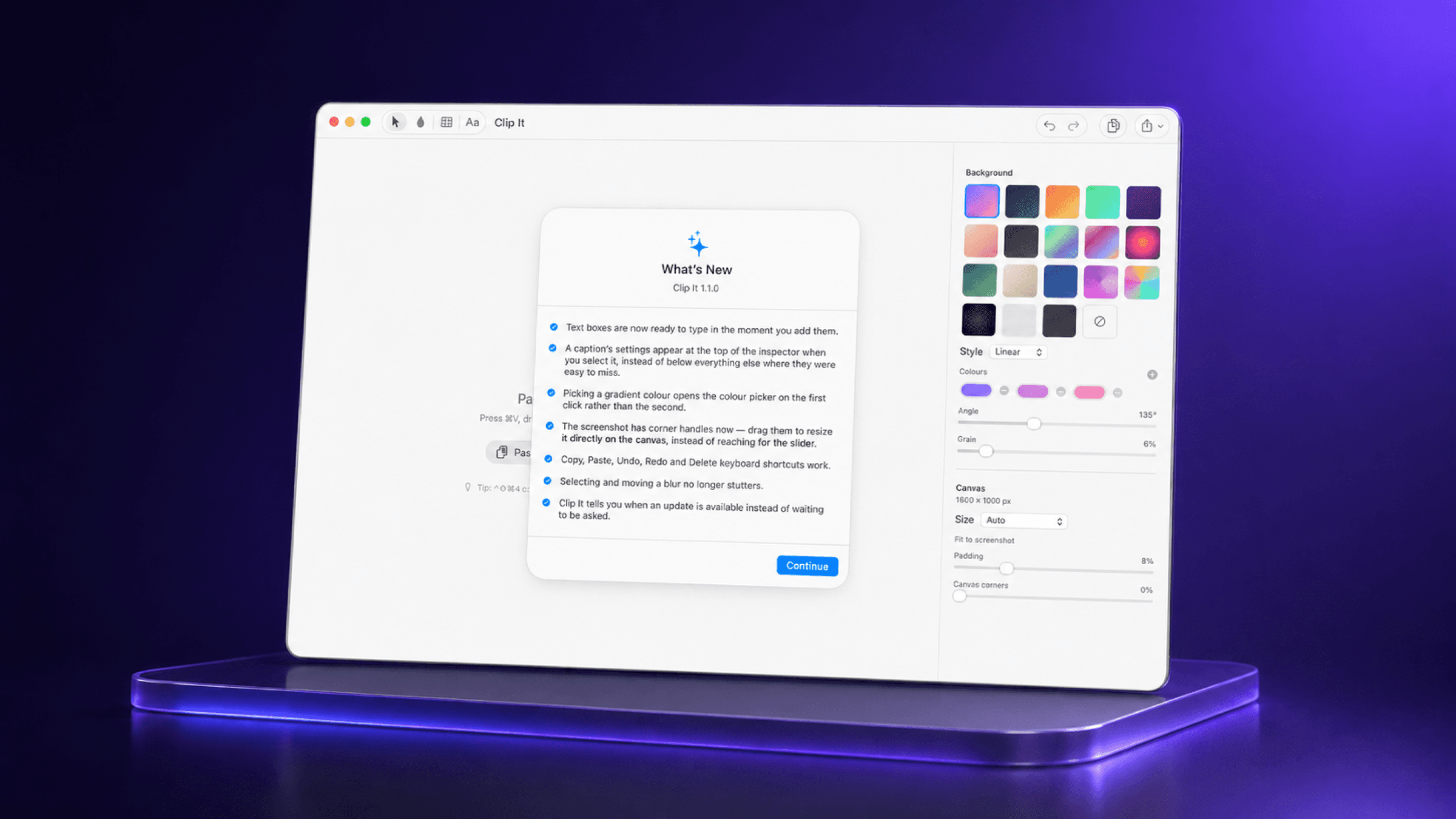
Frame it beautifully
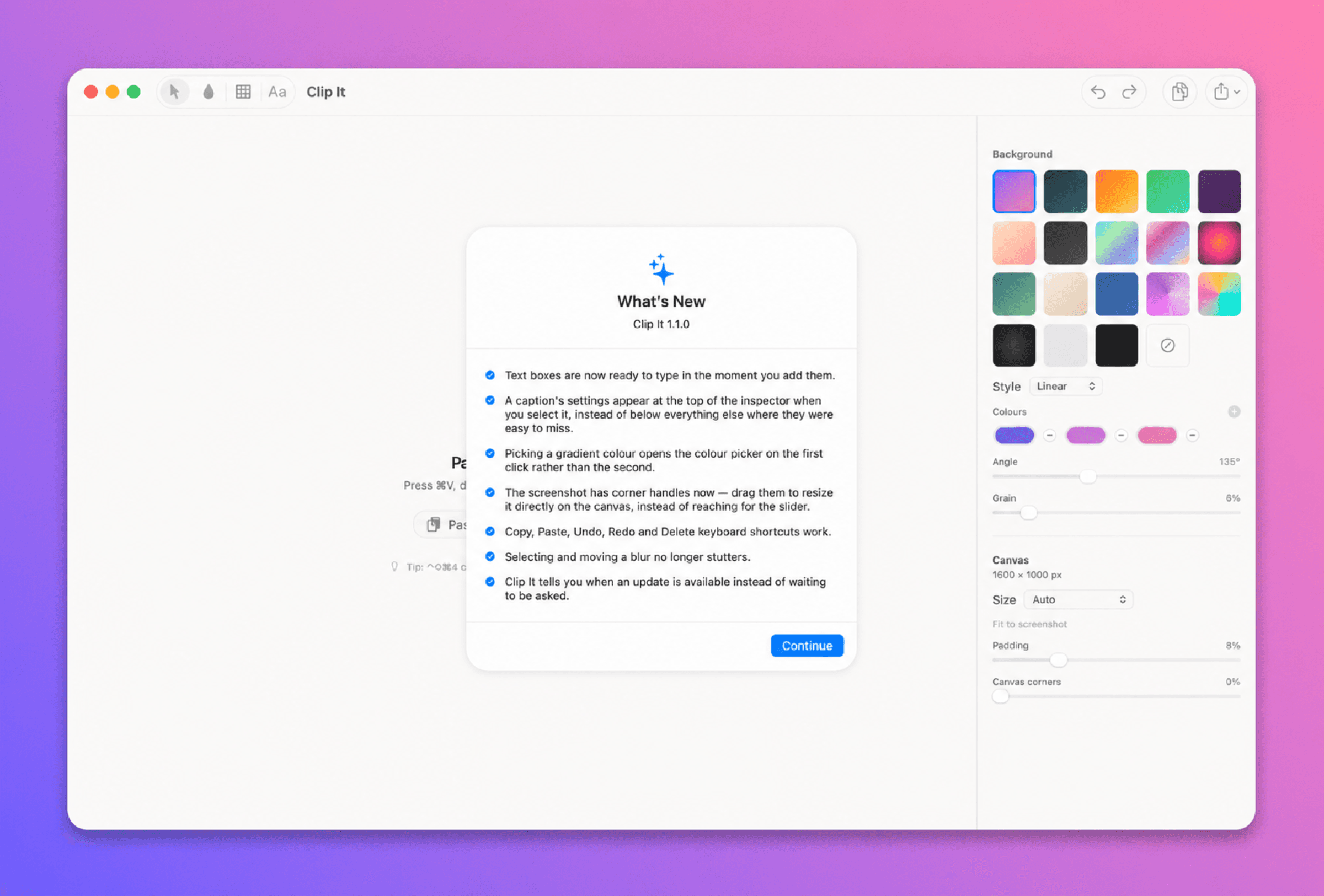
Drop in a screenshot and choose a canvas, gradient, radius, shadow, and grain in one focused workspace.
Redact for real
Blur and pixelate sensitive areas into the rendered pixels, so the original detail cannot leak through your export.
Ship it anywhere
Export a crisp PNG or JPEG at 1×, 2×, or 3×, copy it, or hand it to the system share sheet.
Inside the editor
Your screenshot, with room to breathe.
The inspector keeps the useful decisions close: a gradient that feels right, a canvas that fits the destination, and redactions that stay baked into the pixels.
19 hand-tuned background presets
Blur and pixelate tools for private details
Canvas presets for every sharing destination
A focused little tool
The polish layer between a screenshot and a share button.
Clip It stays out of your way until you have something to show. It’s designed for the quick, repeatable moments: documenting a build, sending a design review, or making a support note feel considered.
Paste from anywhere
⌘V, drag from Finder, or open a file. Retina pixels stay intact.
Make it yours
19 hand-tuned presets plus the controls to take it further.